Lost in a Forest Gift Card Balance

Gift Card, Gift Certificate and Gift Voucher
Lost in a Forest Business Overview
Merchant website info and Lost in a Forest card balance check. https://lostinaforest.com.au
Business Hightlights
Lost in a Forest – A little bit of paradise in the Adelaide Hills
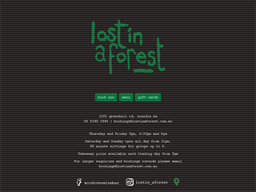
book nowmenugift cards1203 greenhill rd, uraidla sa08 8390 3444 | bookings@lostinaforest.com.auThursday and Friday 5pm, 6:30pm and 8pmSaturday and Sunday open all day from 12pm.90 minute sittings for groups up to 8.Takeaway pizza available each trading day from 5pmFor larger enquiries and bookings outside please email bookings@lostinaforest.com.auLost in a Forest
Lost in a Forest Merchant Information
Website, contact number and gift card information for Lost in a Forest.
Merchant Directory Links

Merchant Insights
- Wood Oven Wine Lounge - Uraidla, SA - Lost in a Forest menu gift cards. 1203 greenhill rd, uraidla sa 08 8390 3444 | bookings@lostinaforest.com.au Thursday and Friday 5pm, 6:30pm and 8pm. Saturday and Sunday open all day from 12pm. 90 minute sittings for groups up to 8. https://lostinaforest.com.au/
Merchant Social Media
Social media links for Lost in a Forest


Lost in a Forest Gift Card
Lost in a Forest gift card or gift certificate links. Convenient way to manage balance on the fly in GCB mobile app
Gift Card Program
Gift Cards
Gift Card Links
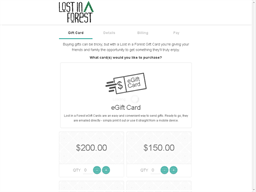
Gift card web page, terms & conditions for Lost in a Forest.

Lost in a Forest Gift Card Balance
You can find out Lost in a Forest card balance by visit store counter/ help desk.
Gift Card Balance
Gift Card Balance Check Options
Gift Card Balance Enquiry
Information for Lost in a Forest gift card balance inquiry to see remaining balance and transactions.


- Online balance: follow the link to merchant's official balance check website. You will need to fill in card number and pin so as to retrieve card balance.
- Phone call: call the merchant's support number and ask if you can check card balance. You might be able to get balance on the phone after providing card details.
- Invoice/ Receipt: the remaining balance of the card is printed on the shopping invoice / receipt.
- Store Counter: usually the card balance could be looked up at shop or store counter
Lost in a Forest User Review
Gift Card Balance App
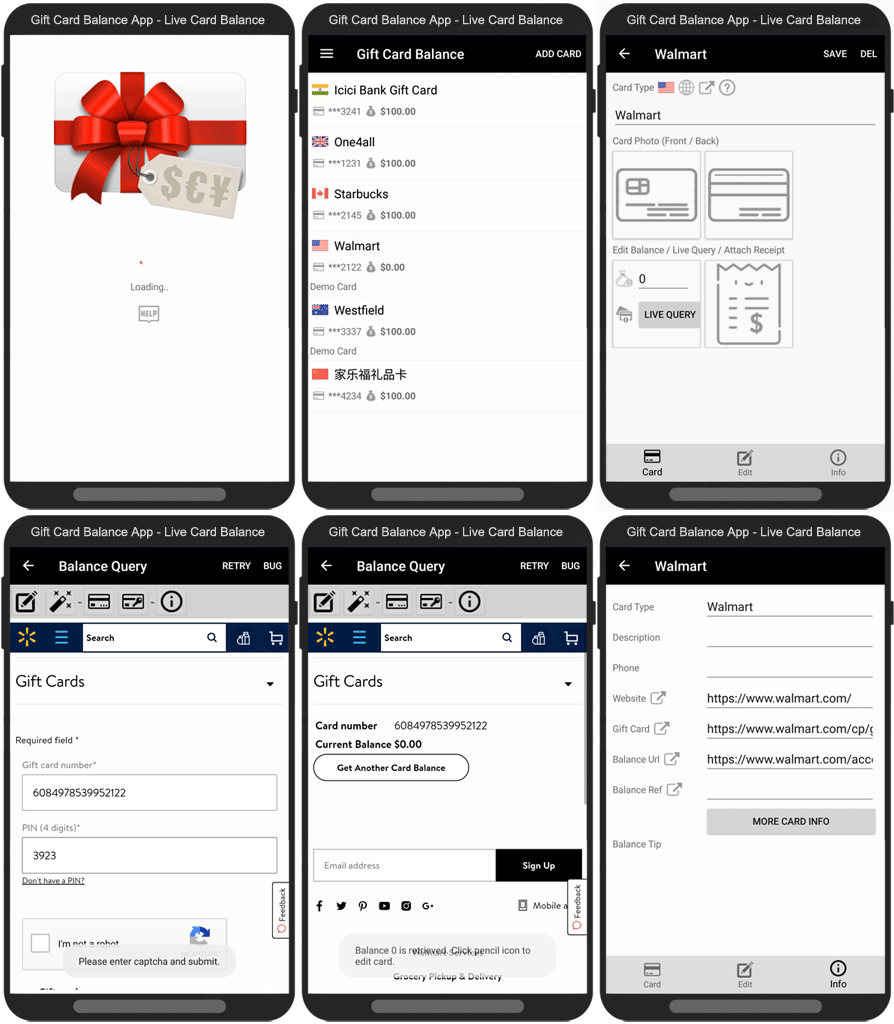
- Live card balance from card merchant
- No more tendentious card number typing each time
- Balance query options at one glance
GCB App | Manages Balance Simply and Easily